
Invite Only
Give each guest a personal route into the event.
- Create guests in the host workspace.
- Share one personal link or QR per guest.
- Keep uploads tied to the guest path.
How esharemo works
From host setup to the last guest upload, esharemo keeps event media moving to one organized Google Drive archive.

The host creates the workspace, chooses how guests will enter, and connects the Drive folder that will hold the collection.
Create the event workspace with its name, date, and guest access ready for the day.
Choose personal guest paths or one shared event QR based on how the room will participate.
Connect Google Drive so the event folder is prepared before guest uploads begin.
Invite Only and Open Guest events share the same host-owned archive. The difference is how guests reach it.
Give each guest a personal route into the event.
Use one shared event QR for the room.
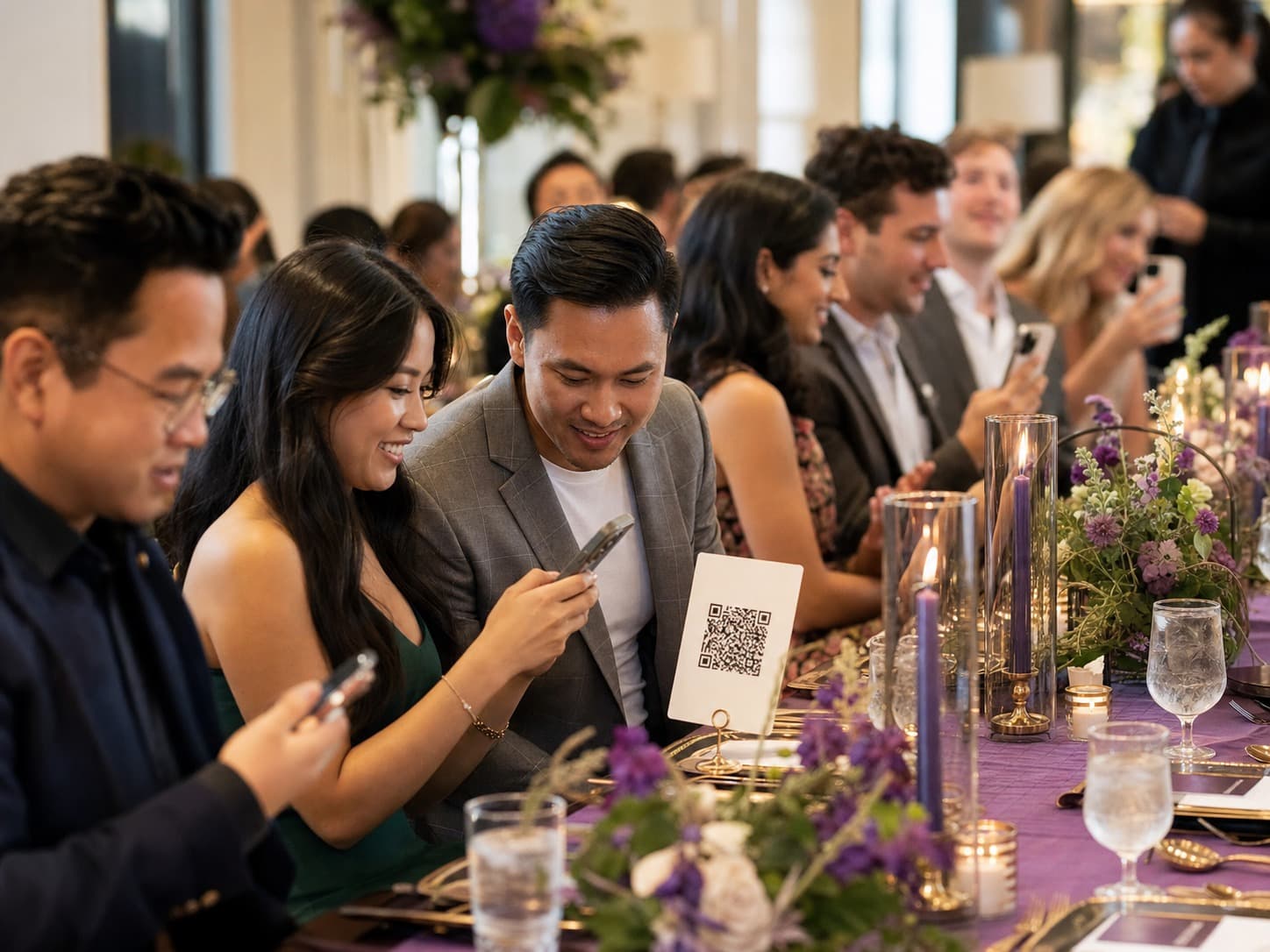
The guest flow is designed for the phone already in someone's hand, with a short path from the event link to the upload.
Scan the shared QR or open the personal invite link.
Choose photos or videos from the phone without creating a guest account.
Follow upload progress and retry an item if the connection drops.
Guest uploads are available within the event upload window.

The host can return to the event workspace, review the collection, and work with the original files in the connected Drive.

Uploaded photos and videos arrive in the host-connected Google Drive.
Event and guest records stay attached so the collection is easier to review.
Hosts can search, filter, preview, download, and reconcile uploaded media.
Ready to collect
Set up the event, share the path, and keep the media where the host can find it afterward.